7 Best Free AI Tools for Small Businesses in 2026 (Tested & Ranked)
Small business operations require efficiency without unnecessary overhead. AI software options can handle repetitive admin tasks, generate marketing visual assets, and improve customer support workflows.
However, many AI tools offering free tiers hide core capabilities behind paywalls or enforce overly restrictive usage limits.
We hands-on tested over 20 popular AI-driven platforms to identify tools offering functional free-forever access, strong output accuracy, and immediate utility for small business operations.
Comparison of Top Free AI Tools
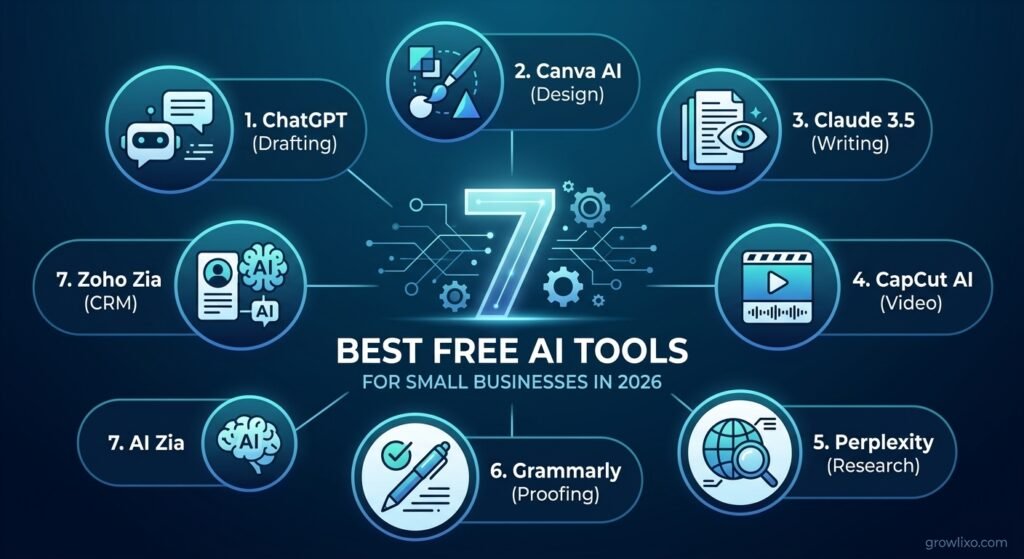
| Tool Name | Core Use Case | Free Tier Allowance | Best Feature |
| ChatGPT (GPT-4o mini) | Drafting, Email & Support Copy | Unlimited basic queries | Fast response speed |
| Canva AI (Magic Studio) | Graphic Design & Visual Marketing | 50 AI credits/month | Easy drag-and-drop integration |
| Claude 3.5 Sonnet | In-depth Copywriting & Strategy | Daily rolling message limit | Natural, non-robotic tone |
| CapCut AI | Video Editing & Auto-Captions | Core features fully free | Auto-captioning accuracy |
| Perplexity AI | Market Research & Competitor Analysis | Unlimited basic searches | Live web citations |
| Grammarly | Professional Proofreading & Tone | Basic grammar & 100 AI prompts | Browser-wide extension |
| Zoho CRM (Zia AI) | Customer Lead Management | Free up to 3 users | Automated contact organization |
Detailed Tool Breakdown
1. ChatGPT (GPT-4o mini) – Best for Daily Business Communication
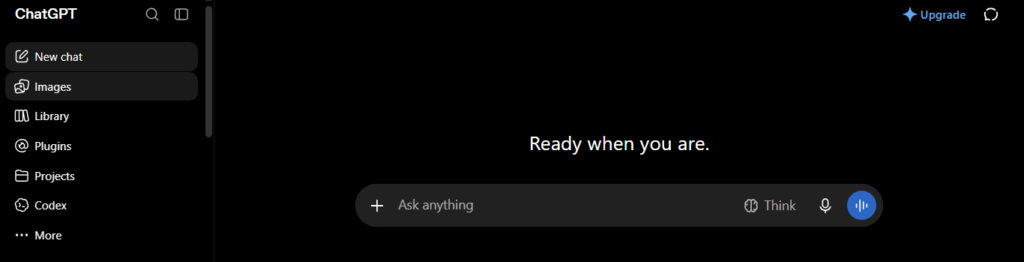
ChatGPT remains a versatile assistant for drafting routine client emails, structuring standard operating procedures (SOPs), and brainstorming content angles. The free tier provides access to lightweight models capable of executing everyday text-processing tasks quickly.
- Pros: Fast response generation; retains conversation context well; highly adaptable via custom prompting.
- Cons: Free tier experiences rate limits during peak usage hours; complex multi-step reasoning may require manual review.
2. Canva AI (Magic Studio) – Best for Visual Marketing Assets
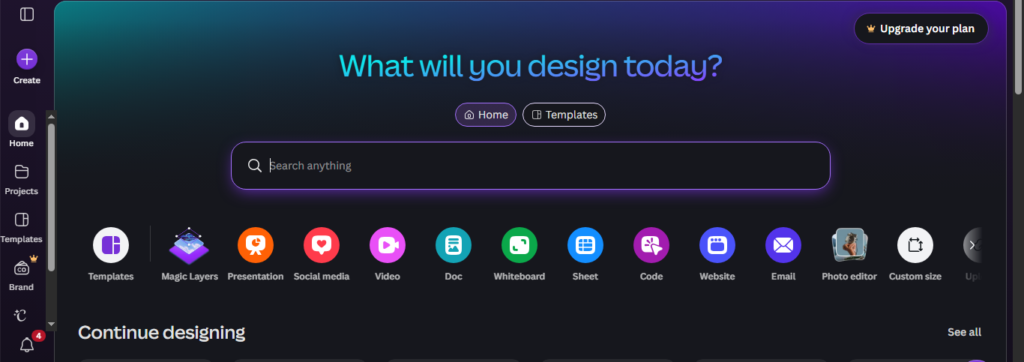
For businesses lacking dedicated design staff, Canva’s AI-powered Magic Studio simplifies visual creation. It offers quick text-to-image generation, instant photo background removal, and smart layout suggestions tailored for social media templates.
- Pros: Minimal learning curve; clean integration with print and digital templates.
- Cons: Monthly AI credit limits apply on free plans; high-resolution vector exports require a paid upgrade.
3. Claude 3.5 Sonnet – Best for Long-Form Writing & Document Analysis
Claude excels at producing natural, context-aware text that avoids common algorithmic patterns. It parses uploaded PDF documents, legal contracts, and lengthy reports efficiently to output clear summaries.
- Pros: Superior understanding of nuanced instructions; outputs sound human and authentic.
- Cons: Strict daily prompt limits on the free tier; lacks live web-browsing capabilities.
4. CapCut AI – Best for Short-Form Video Production
CapCut provides automated video editing functions, including AI script generation, voiceovers, and frame cropping optimized for TikTok, Instagram Reels, and YouTube Shorts.
- Pros: High-accuracy automated subtitle generation; rich library of free effects and templates.
- Cons: Advanced tracking features require desktop installation; limited cloud storage space on free accounts.
5. Perplexity AI – Best for Live Market & Competitor Research
Unlike traditional search engines, Perplexity acts as an answer engine that scans current web index sources and synthesizes concise, cited research summaries regarding market trends and product pricing.
- Pros: Every claim includes direct web link citations; provides up-to-date data.
- Cons: Deep analytical reasoning requires switching to paid models; search queries can occasionally stall.
How We Tested These Tools
Our evaluation methodology focused on three core metrics:
- Functional Utility: Does the free tier perform meaningful work without forcing an immediate upgrade?
- Output Reliability: Is the output accurate enough to be used with minimal manual editing?
- Time Savings: Does using the tool save measurable hours compared to traditional manual workflows?
Is Using Free AI Software Safe for Business Data?
When using free AI platforms, avoid inputting sensitive internal data such as financial ledgers, customer passwords, or confidential legal documents. Free tiers frequently utilize user prompts to retrain foundational models unless opt-out settings are manually selected within account privacy dashboards.